 Made for writers
Plot the whole story, then write it.
Characters, places and plot threads where you can see them all at once, the twists linked to what set them up, and the chapter itself one double-click away.
Start a board, freeNovel: The Lighthouse
People
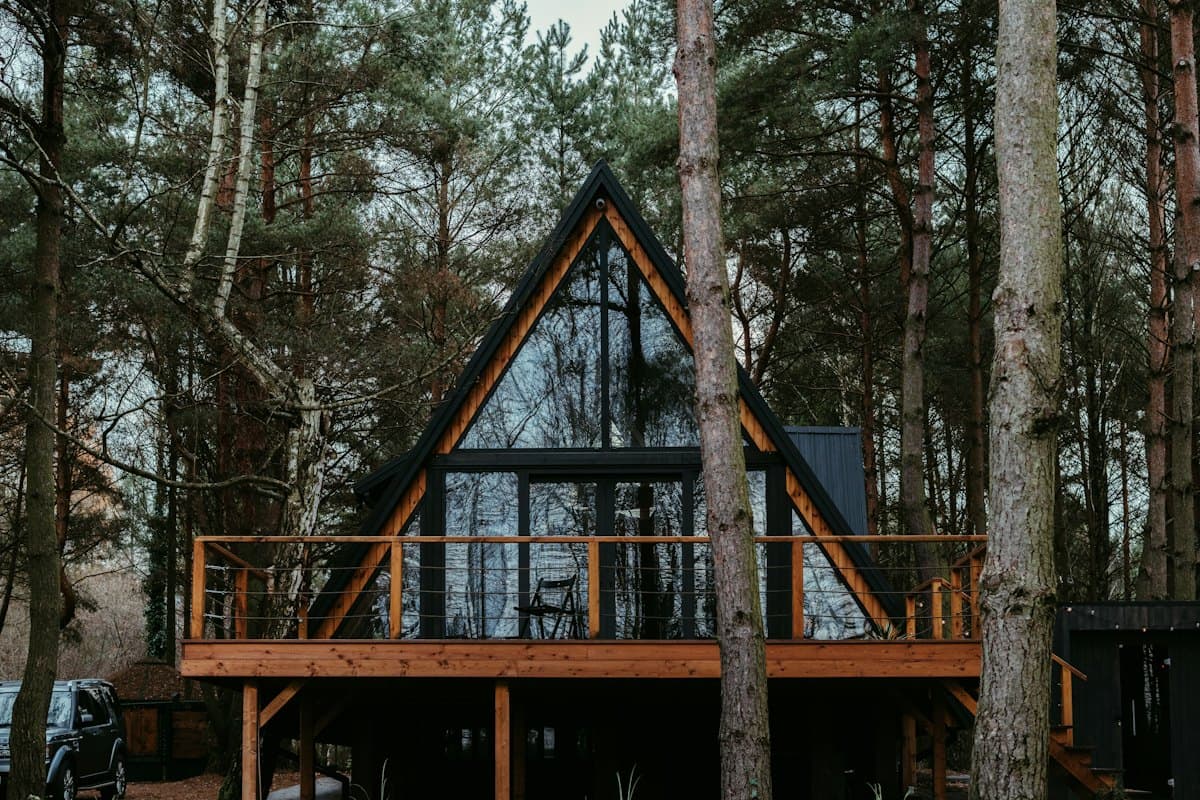
Mara's cabin
Arrives in chapter 2 with the wrong map and a reason to stay.
Plot
The keeper's daughter. Wants to leave, can't say why.
The light was never broken. Someone turns it off.
Chapters
Chapter 3: The night it went dark
The lamp was cold when Mara reached the top. Below, the boats were still out, and somebody had left the door open…
3,120 words
the feast
 Novel: The Lighthouse
Your whole story in view.
The Lighthouse: cast
The keeper's daughter. Wants to leave, can't say why.
Arrives with the wrong map and a reason to stay.
Knows what happened in 1962. Won't say.
Mara turned the light off.
A card for every character.
Who they are, what they want, what they're hiding. Colour them by storyline and group them under handwritten headings.
The light goes out in the storm.
Theo finds the torn logbook page.
Old Ivar finally talks.
Mara leaves. The light stays on.

Threads that hold.
Link the twist to what set it up, the scene to the one it pays off. A labelled arrow is a thread you won't lose.
From the plan to the page.
Chapter 3: Dark
The lamp was cold when Mara reached the top. Below, the boats were still out…
3,120 words
Chapter 3: Dark
The lamp was cold when Mara reached the top. Below, the boats were still out, and somebody had left the door open.1
Notes to self
Don't explain the light yet. Let Theo notice first.
1. Tide tables, March 1962.
double-click to open →
Chapters on the board.
Each chapter is a document card next to its plan: headings, quotes and notes to self, with a word count on the card.
Up at seven, revise before class.
A lighthouse, a sleeping cat, a rocket…10 left todayDrawA sketch for every scene.
Ask the frog for a quick doodle of the lighthouse or the boat and pin it beside the scene. Ten a day, free with an account.
Free on your own. Plus to bring people in.
You pay for Plus; everyone you invite edits for free.
Free
$0no card needed
Everything you need for your own thinking.
- Unlimited boards, notes and documents
- 2 GB of photos, videos and files, synced
- Arrows, groups, checklists and the pen
- Sync between your own devices
- 10 frog doodles a day
- View-only links for anyone, no account needed
- Publish a board as your page, at untitled.cards/@you

PlusFor boards you share
$4.51a month
$54 billed yearly, VAT included · charged in USD at today's rate
- Everything in Free
- Invite people to edit your boards, free for them
- Approve who edits, remove anyone, anytime
- Edit together live, with cursors
- Comment, reply and react on shared boards
- 50 GB of photos, videos and files, synced
- 30 frog doodles a day
- Your page at your own domain, no badge
Questions
Is it a replacement for my writing app?+
It's the place before and beside it: the plan, the people and the threads. Documents are great for scenes and chapters, and each downloads as Word whenever you want it in your writing app; when the book gets long, many writers keep the manuscript elsewhere and the map here.
Is untitled free?+
Yes, for your own boards: notes, photos, videos, PDFs, documents and sync across your devices (2 GB of photos, videos and files), with no ads and no card needed. The frog draws ten doodles a day with a free account, and you can publish a board as your page. untitled Plus, a paid plan, adds editing together with the people you let in, comments, 50 GB for photos, videos and files, thirty doodles a day, and your page at your own domain without the badge.
Does it work offline?+
Yes. Once you've opened untitled with a connection, it opens without one, and everything saves on your device first; changes sync the next time you're online. On an iPhone, add it to your Home Screen so Safari keeps your boards on the phone.
Can I share a board?+
Yes. Turn on a board's link and anyone with it can look, no account needed. Signed in, they can ask to edit it with you, live, once you approve them (that takes untitled Plus). You can also export a board as one file for someone to import, or publish it as your page at untitled.cards/@you, for anyone to open.
 Students
 Designers