 Features
Everything a thought needs, on one board.
Notes, photos and documents, the lines between them, search across all of it, people to think with, and a frog that draws. Here's each one, working.
Start a board, freeLofoten in June
Ferry from Bodø. Book seats!
Kayak to Kjerkfjorden.
Fish soup at Anita's, twice.
Pack for rain, hope for sun.
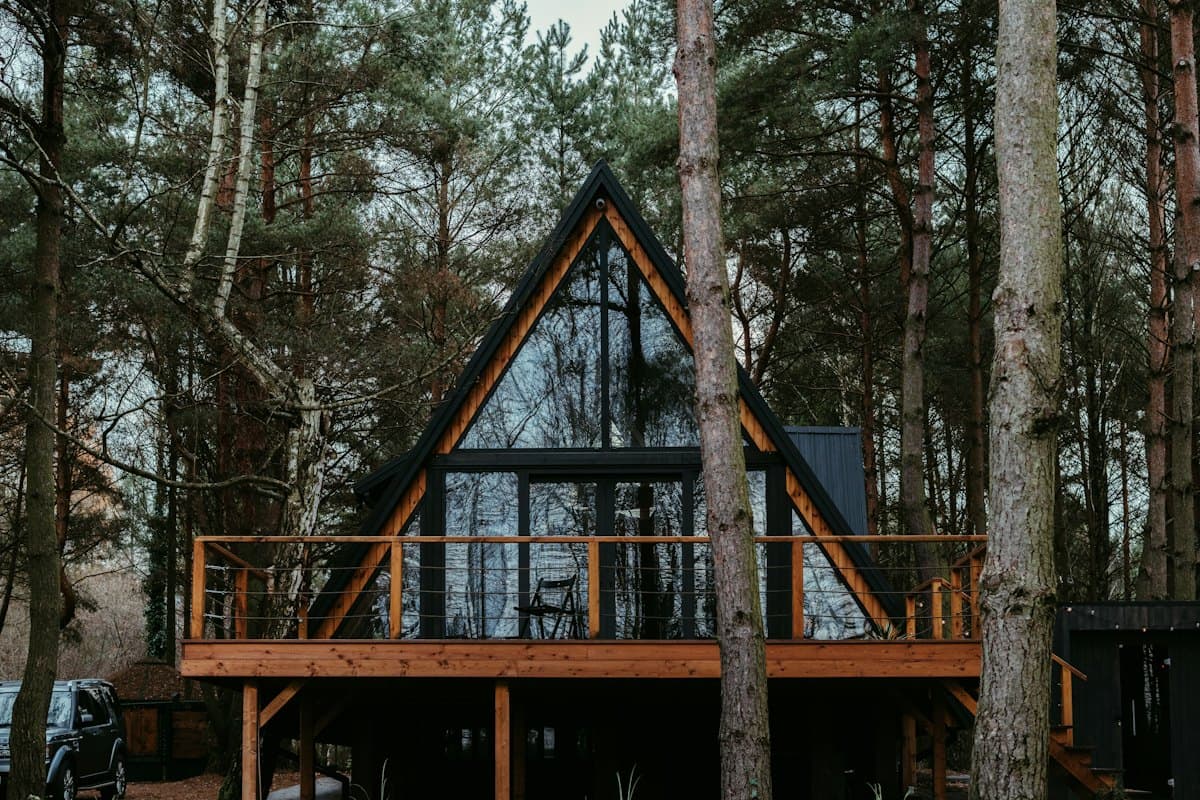
the cabin in Reine

worth every step
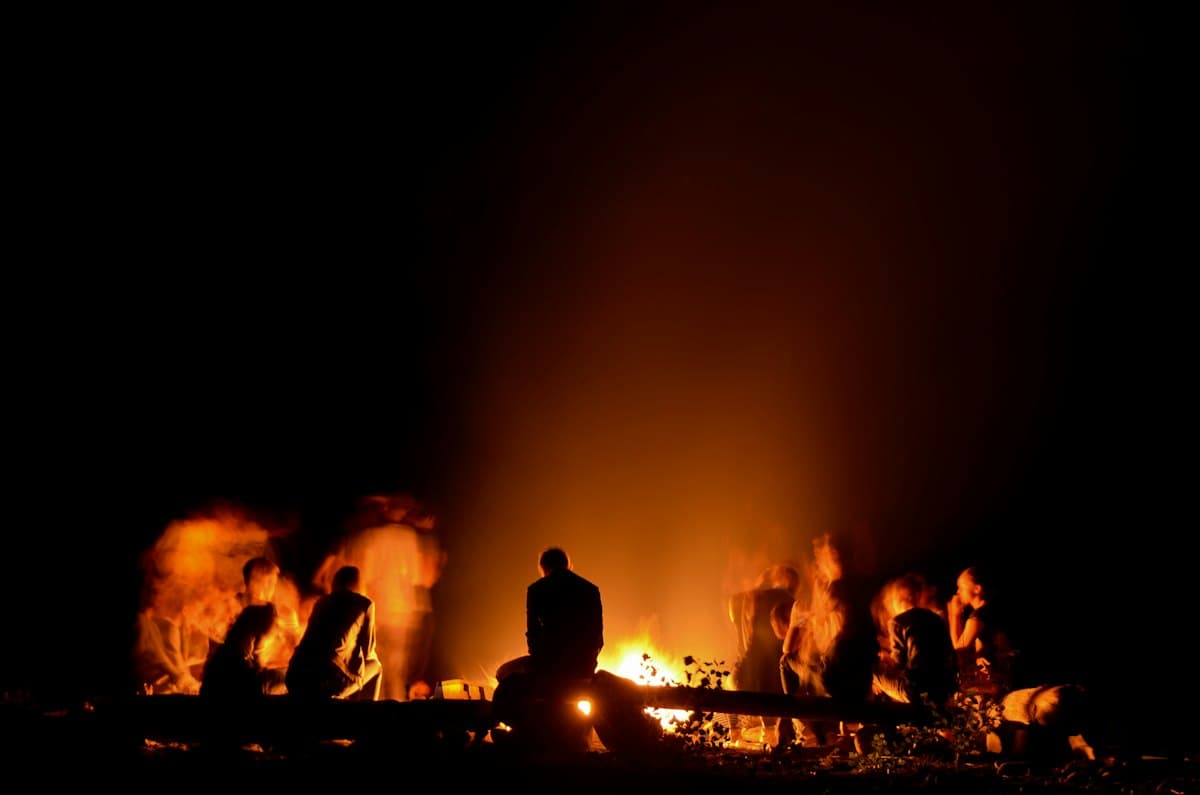
nobody wanted to leave
Packing list
Boots, layers, a dry bag for the kayak. And a good book for the ferry…
418 words
Ferry timetable, summer
Who books what
Under 9k each, all in.
He's done this before.
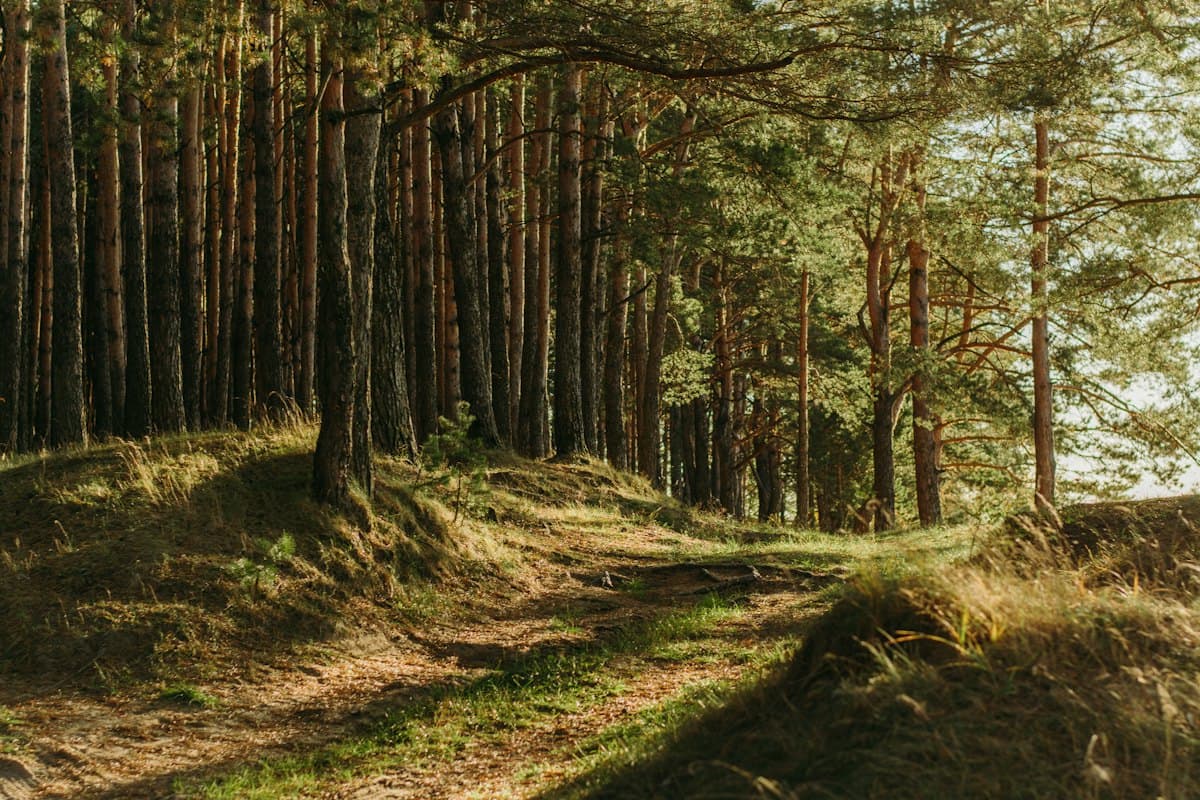
day 4

 Lofoten in June
Put it down
Starting a film club
Something with a frog? “Lily Pad Cinema”
Library room 3, Thursdays at six.
Spirited Away. Everyone has seen it.
Ask the student union before printing posters.
Notes, headings and the pen
Jot it down.
Press N, click, type. Folder-tab notes in six colours, headings in your own hand to name each area, and a pen for circling what matters.
- Six colours, one tap to change
- Handwritten headings for each area
- A pen for rings, arrows and stars
Lofoten · 5 photosPhotos and videos
Drop a whole album.
Drag in a folder and every photo lands as a polaroid, with a bar to show how far along it is. Videos get a cover frame and play when you click, never on their own.
- Up to 200 files in one drop
- Four frames, tape or a pushpin
- On a bad connection, uploads keep trying until they're through
Connect it
A pin board that fits in a pocket.
One evening, notes and photos only.
Watch, don't explain.
If nobody opens it twice.
Arrows
Draw the line.
Drag from one card to another and say why. The lines are what turn a pile of notes into an argument, a plan or a story.
- Drag from any card to any card
- Label an arrow: “then”, “but”, “because”
- On a phone, arrows become a path to follow
Go deep
Why cities need trees
Every summer the city gets a little hotter. The streets with trees don't. This essay follows the shade…
2,380 words
double-click to open →
Documents
A full page behind a card.
Some thoughts need more than a note. Double-click a document and it opens into a page: write in Markdown, then read it typeset, with headings, quotes and footnotes.
- Write and Read, one click apart
- Footnotes for every source
- Searchable with everything else
PDFs and Word
Bring your files.
Drop a PDF and its first page pins to the board; open it to read every page. A Word document becomes a document you can edit, with its pictures gathered in a group beside it, and the original stays one click away.
- PDFs up to 50 MB
- Word tables and footnotes come along
- Any document downloads as Word or Markdown
Spreadsheets
A sheet becomes a table.
Drop an Excel, CSV or OpenDocument file and each sheet lands as a card holding its table, figures lined up as in Excel. Open one to read it full screen, edit it, or take it out again as a spreadsheet.
- Formula results, dates and numbers as they show
- Downloads as Excel or CSV
- The original file one click away
PowerPoint
Decks, slide by slide.
Drop a deck and its card lands at once, with its slides counted and every title, line and speaker note searchable. Signed in, its real slides follow a moment later, to read like a PDF.
- Slides as they look, made in the EU
- Speaker notes kept and searchable
- The original deck one click away
Find it
Fly to Bodø, sleep by the harbour.
Kayak to Kjerkfjorden.
Fish soup at Anita's.
Pack for rain, hope for sun.
Under 9k each, all in.
Ferry from Bodø at 15:00
Reinebringen at sunrise.
The red cabin in Reine.
Boots, layers, a good book.
Golden hour at Hamnøy.
He's done this before.
Search
Find anything.
Press ⌘K and start typing. untitled looks through the notes, documents, captions and arrow labels on every board, and takes you straight to the one you meant.
- Every board at once
- Inside documents, not just titles
- “malmo” finds “Malmö”, accents or not
Make it together
Lofoten in June
Ferry from Bodø. Book seats!
Kayak to Kjerkfjorden.
Kjerkfjorden
Live, with untitled Plus
Think out loud, together.
Turn on a board's link and anyone can look, no account needed. Let people in and edit it with them live: their pointers, cursor chat, and comments with replies and reactions.
- View-only links, short enough to text
- Cursor chat, comments and reactions
- Editing together comes with untitled Plus
Take it anywhere
Lofoten in JunePlan
Ferry from Bodø.
Kayak to Kjerkfjorden.
the cabin
Lofoten in JunePhone and offline
In your pocket. Offline too.
On a phone a board becomes a list you can scroll and add to, headings as sections and arrows as a path. Everything saves on your device first and syncs when you're back online.
- The same board on laptop and phone
- Opens and saves without a connection
- Add it to your Home Screen like an app
Ferry from Bodø. Book seats!
Day 3
Kayak to Kjerkfjorden, back by four. Bring the dry bags.
312 words
Kjerkfjorden
Export
Take it with you.
Select anything and press ⇧⌘E for a picture of it. Download any document as Word or Markdown, or export a whole board, photos and all, as one file.
- A PNG of a selection or the whole board
- Word and Markdown for documents
- One file per board, to keep or pass on
Meet the frog
Up at seven, revise before class.
A lighthouse, a sleeping cat, a rocket…10 left todayDrawThe frog
Ask for a doodle.
Type what you'd like and the frog sketches it in pen, right on your board, next to the note it belongs to.
- Ten doodles a day, thirty with untitled Plus
- Every request is checked before it's drawn
- Needs a signed-in account
Free on your own. Plus to bring people in.
You pay for Plus; everyone you invite edits for free.
Free
$0no card needed
Everything you need for your own thinking.
- Unlimited boards, notes and documents
- 2 GB of photos, videos and files, synced
- Arrows, groups, checklists and the pen
- Sync between your own devices
- 10 frog doodles a day
- View-only links for anyone, no account needed
- Publish a board as your page, at untitled.cards/@you

PlusFor boards you share
$4.51a month
$54 billed yearly, VAT included · charged in USD at today's rate
- Everything in Free
- Invite people to edit your boards, free for them
- Approve who edits, remove anyone, anytime
- Edit together live, with cursors
- Comment, reply and react on shared boards
- 50 GB of photos, videos and files, synced
- 30 frog doodles a day
- Your page at your own domain, no badge
Questions
Is untitled free?+
Yes, for your own boards: notes, photos, videos, PDFs, documents and sync across your devices (2 GB of photos, videos and files), with no ads and no card needed. The frog draws ten doodles a day with a free account, and you can publish a board as your page. untitled Plus, a paid plan, adds editing together with the people you let in, comments, 50 GB for photos, videos and files, thirty doodles a day, and your page at your own domain without the badge.
What can I put on a board?+
Notes, handwritten headings, pen strokes, photos, videos, links, PDFs and PowerPoint decks, and documents you write here or bring in from Word or a spreadsheet. Paste a web address and it becomes a card with the page's title, picture and an Open button. A PDF shows its first page and opens to read every page. A Word document becomes a document you can edit, and each sheet of a spreadsheet (Excel, CSV or OpenDocument) a document holding it as a table; both keep the original file to download. A PowerPoint deck shows its outline and speaker notes, which you can search, and once you're signed in, its real slides.
Can I share a board?+
Yes. Turn on a board's link and anyone with it can look, no account needed. Signed in, they can ask to edit it with you, live, once you approve them (that takes untitled Plus). You can also export a board as one file for someone to import, or publish it as your page at untitled.cards/@you, for anyone to open.
Does it work on my phone?+
Yes. On a phone a board becomes a list you can scroll and add to, headings as sections and arrows as a path to follow. Sign in, and it stays in step with your laptop.
Does it work offline?+
Yes. Once you've opened untitled with a connection, it opens without one, and everything saves on your device first; changes sync the next time you're online. On an iPhone, add it to your Home Screen so Safari keeps your boards on the phone.
Do I need an account?+
No. Open untitled and start; your boards stay in your browser. Sign in with your email when you want them on your phone and laptop too.
 Designers