Coming soon · Web clipper

Clip it right where it goes.

Save a passage, a photo, a PDF or a corner of any page to a board, and put it next to the card it belongs with. Chrome first.

One email when it launches. Confirm first; no spam, ever.

nordnorge.com/lofoten-ten-days

Travel · Norway

Ten days in Lofoten

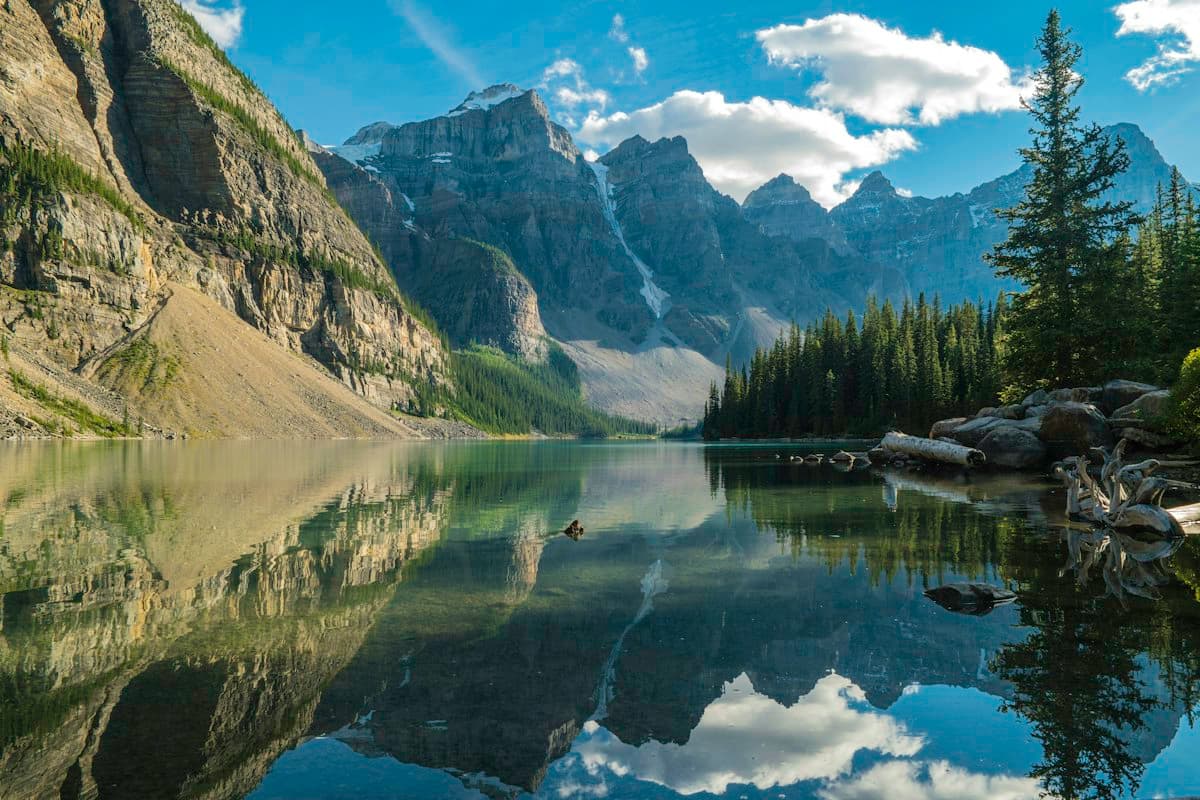
The ferry from Bodø takes four hours and the light never quite leaves. By day three you stop checking the time. Kayak to Kjerkfjorden early, before the wind picks up.
Save

Reinebringen is steep but short. Go at sunrise, and bring something warm for the top.
Save to untitled

BoardLofoten in June ⌄
UnsortedNext to Day 3
Kayak

Kayak to Kjerkfjorden early, before the wind picks up.

↗ nordnorge.com

Save
Lofoten in June
Day 1

Ferry from Bodø. Book seats!

Day 3

Hike or kayak?

Read, then pin

nordnorge.com/lofoten

Ten days in Lofoten

The ferry from Bodø takes four hours.Save as note By day three you stop checking the time, and the plan gets simpler.

Reinebringen is steep but short. Go at sunrise, and bring something warm.Save as note

Lofoten in June
Ferry

“The ferry from Bodø takes four hours.”

↗ nordnorge.com · highlight

Reinebringen

“Go at sunrise, and bring something warm.”

↗ nordnorge.com · highlight

Highlights become notes

A passage becomes a card.

Select what matters and save it as a note, with a link back to the page it came from. Save another, and draw the line between them on the board.

  • Right-click, or the button by your selection
  • The source travels with the note
  • Lands next to a card, or in the board's Unsorted tray
ferry.no/timetable-summer.pdf

Ferry timetable, summer

Save this PDF

All 6 pages, as a PDF card

Save to Lofoten in June
Lofoten in June

PDFs, videos and screenshots

Whatever's in the tab.

Save the PDF you're reading as a card with every page, a video as a card that plays on the board, a photo with one hover, or drag a box around any part of a page.

  • PDFs keep every page
  • Videos play right on the board
  • Screenshot any part of a page

Be first to clip.

One email, the day it's ready.

One email when it launches. Confirm first; no spam, ever.

Questions

When is it coming?+

We're building it now: Chrome first, then Firefox and Safari. Join the list and we'll email you the day it's out.

Do I need an account?+

Yes. Clips go to boards synced to your account, so the clipper saves for you when you're signed in. Signed out, untitled keeps your boards in this browser only.

Where do clips land?+

Where you say: on a board you pick, next to a card, or in the board's Unsorted tray to place later.

What happens to my email?+

We send one email to confirm it's you; nothing is saved until you click it. Then we email you once, the day it launches, and every email has a way to unsubscribe. We keep the list only for that, and delete it on request.

Start untitled.

Open a board, pin the first thing on your mind, and see where the lines go.

Open untitled, free